
Getting Support
Support starts with the assistant in the dashboard. Click Ask AI in the header and ask your question in your own words.
Most requests end there. The assistant reads the documentation and your account data, and it answers immediately. You do not open a ticket, you do not send an email, and you do not wait for a reply.
A ticket is the exception. You raise one from the same chat window, and only when your request needs a person.
Ask the question
-
Open the Dashboard and sign in.
-
Click Ask AI in the header. The assistant chat opens.
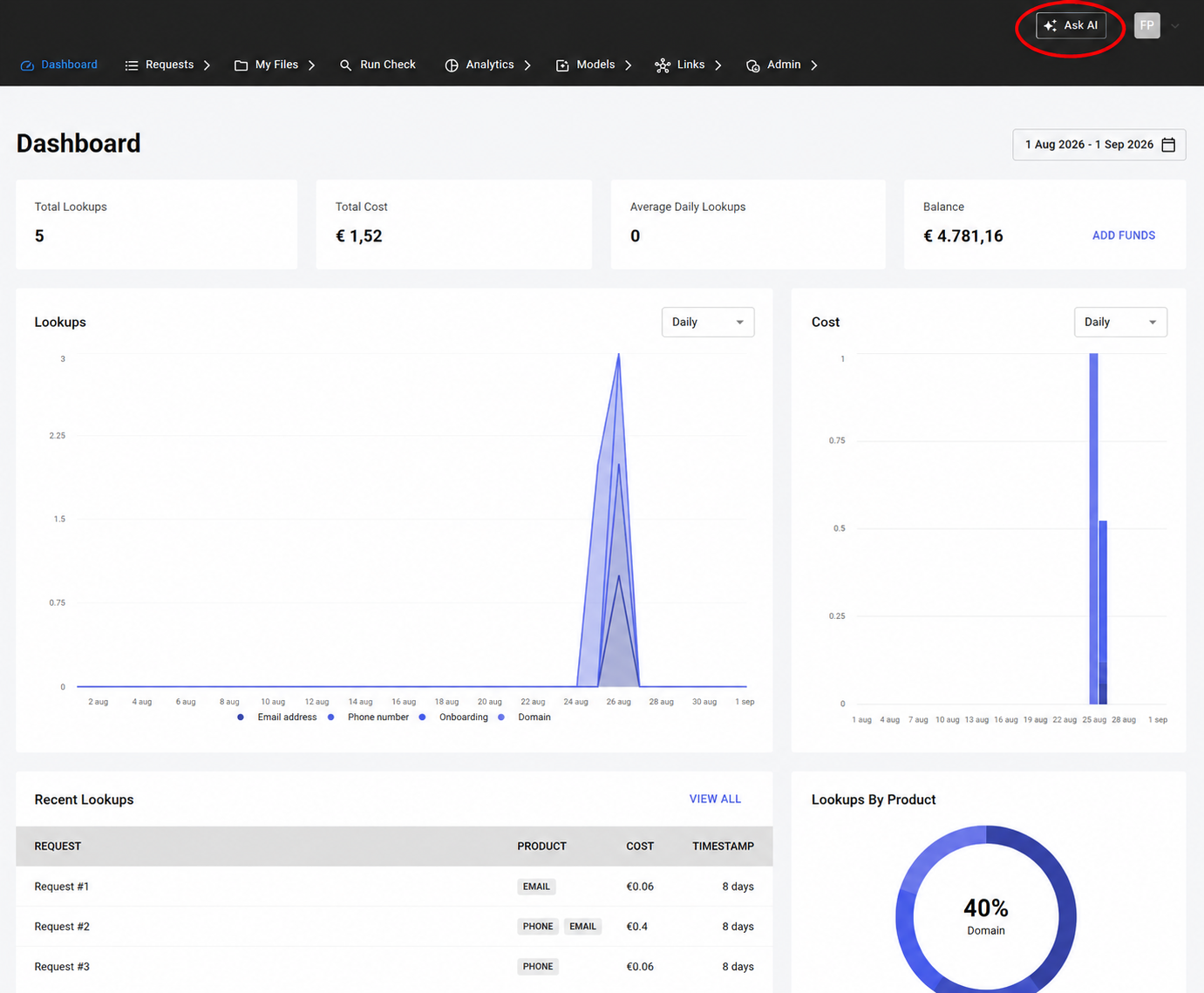
-
Describe your problem in your own words.
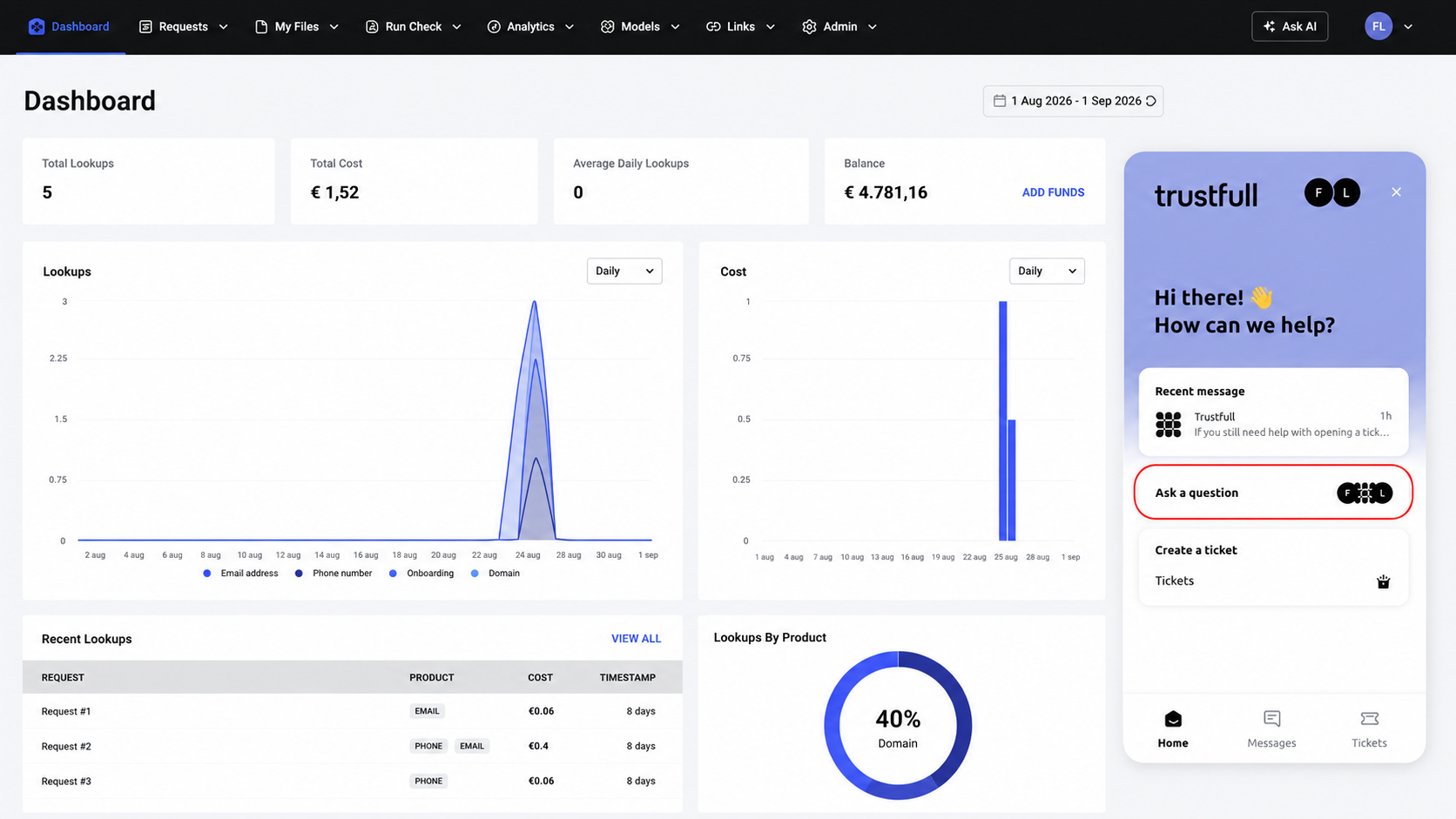
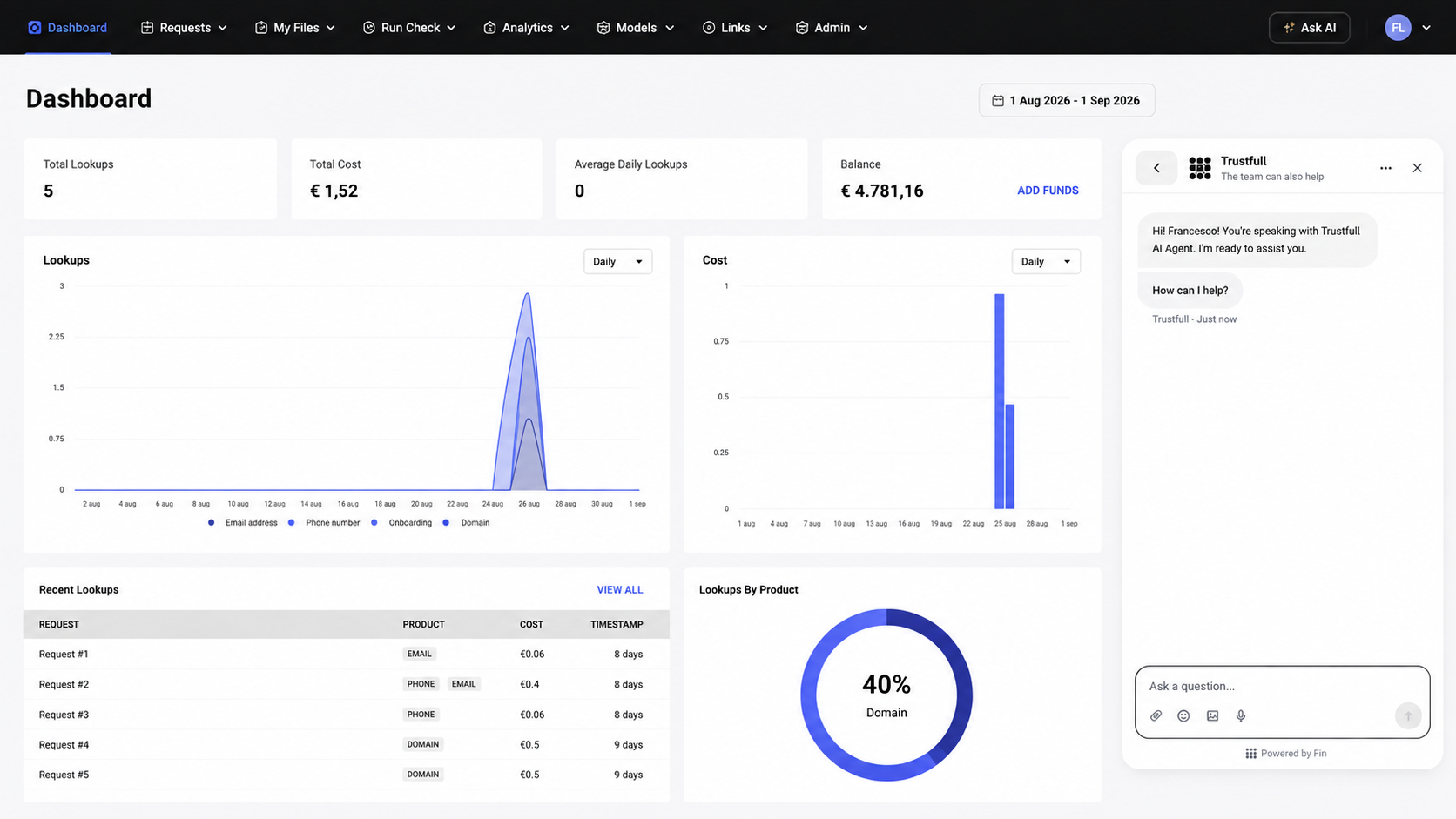
The assistant answers questions about the products, the signals, the scores, your credit, and your configuration. Ask it first, whatever the subject.
Raise a ticket, if you still need a person
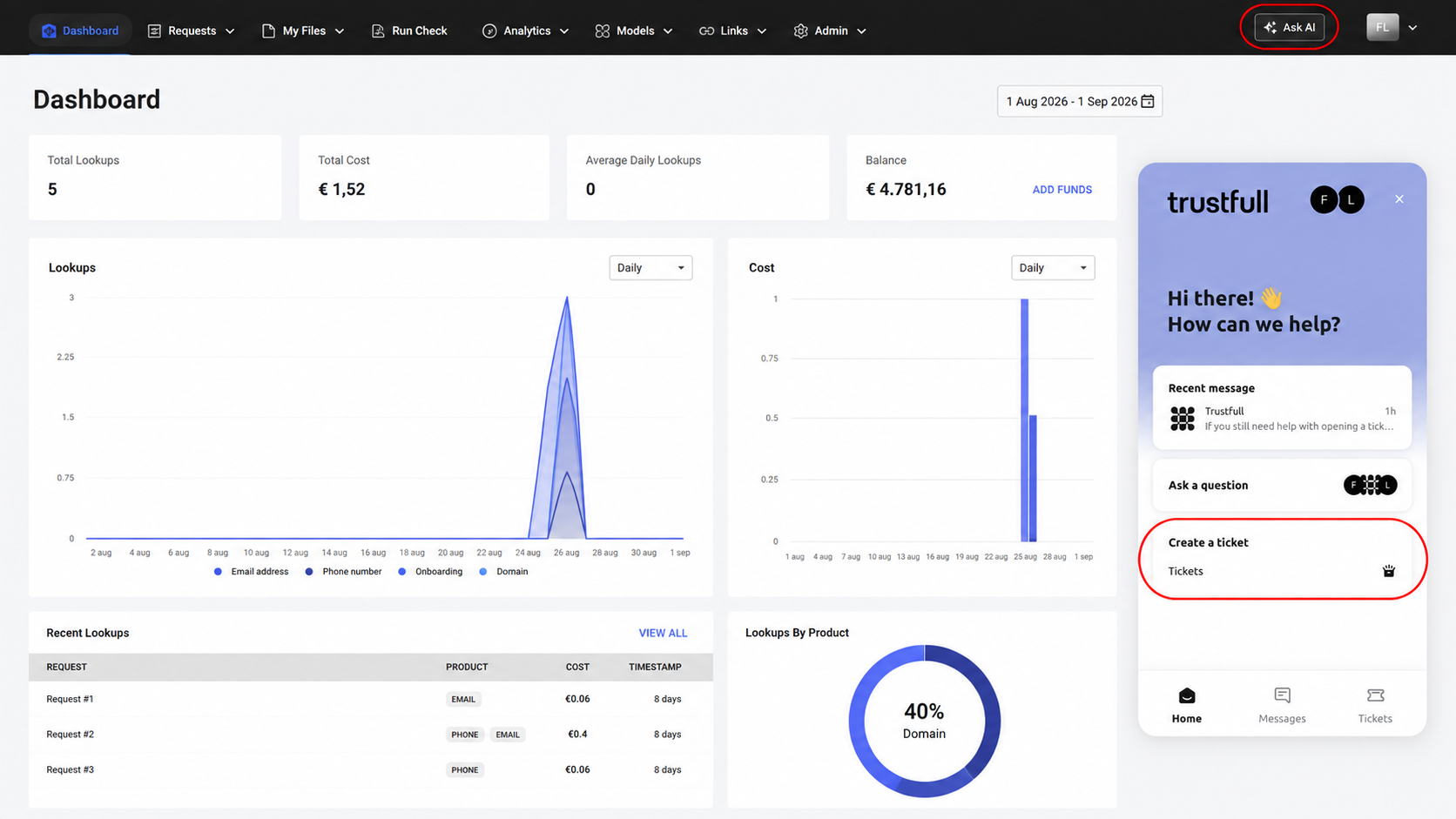
In the chat window, click the ticket button at the bottom right. The assistant creates the ticket and sends it to the Trustfull team, together with what you already wrote. You do not repeat yourself.
The team replies in the ticket interface, or to the address of your dashboard user.
Updated 6 days ago