
June 2026 Update
🔥 June 2026 Update: We've redesigned the detail pages for every product, restyled the sign-in and sign-up experience with a simpler account creation flow, and made training set uploads more flexible with non-blocking validation.
Redesigned Detail Pages
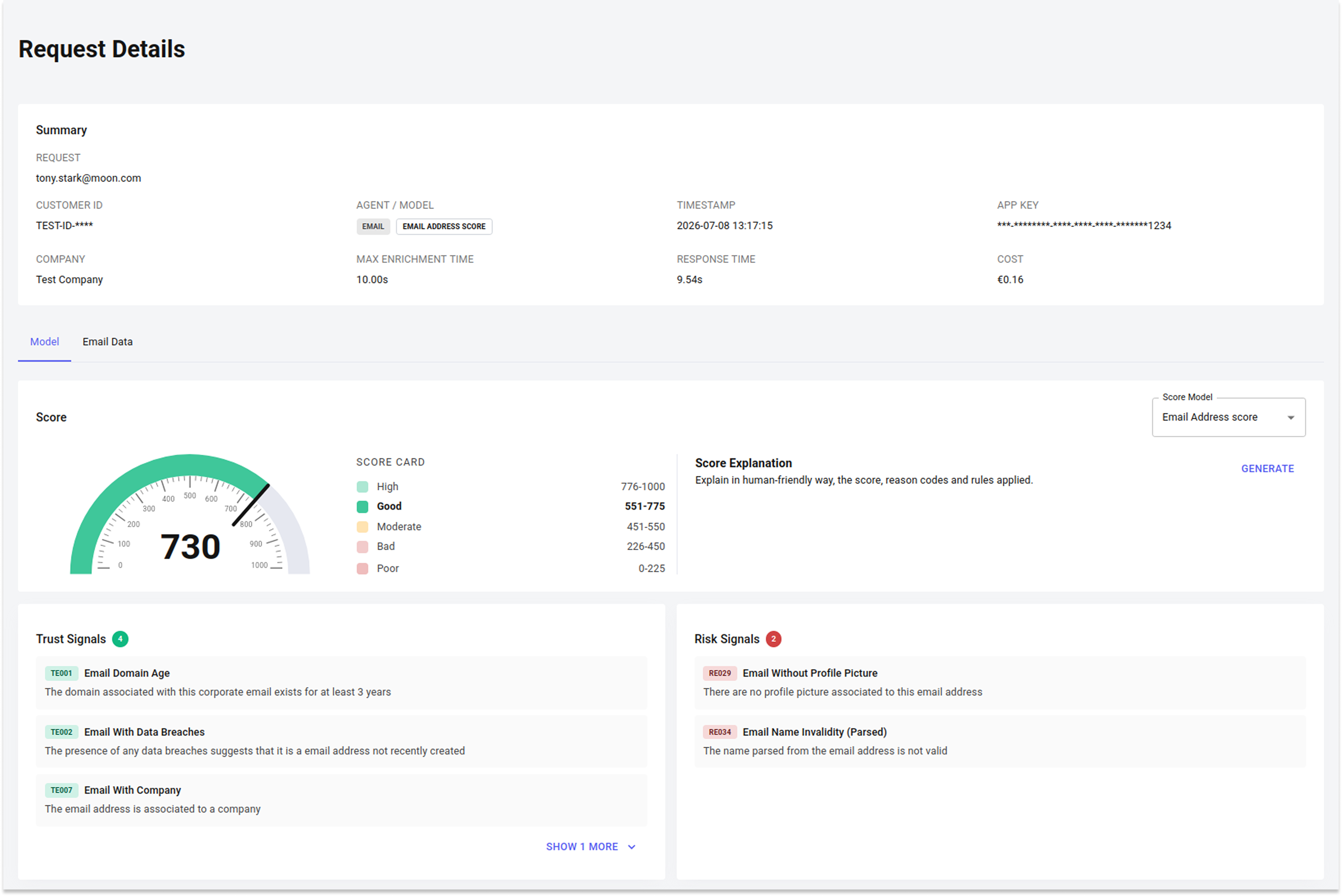
We've redesigned the detail page for every product, making your results easier to read and explore.
🔍 Key Features
- 🗂️ A tab per signal: each input gets its own dedicated tab, for example separate Phone, Email and IP tabs in an onboarding request. Tabs adapt automatically to what was submitted, so if a request has no IP, the IP tab simply isn't shown.
- 🧭 Consistent horizontal layout: score, signals and score composition are shown in the same order across every product, so results are easy to scan.
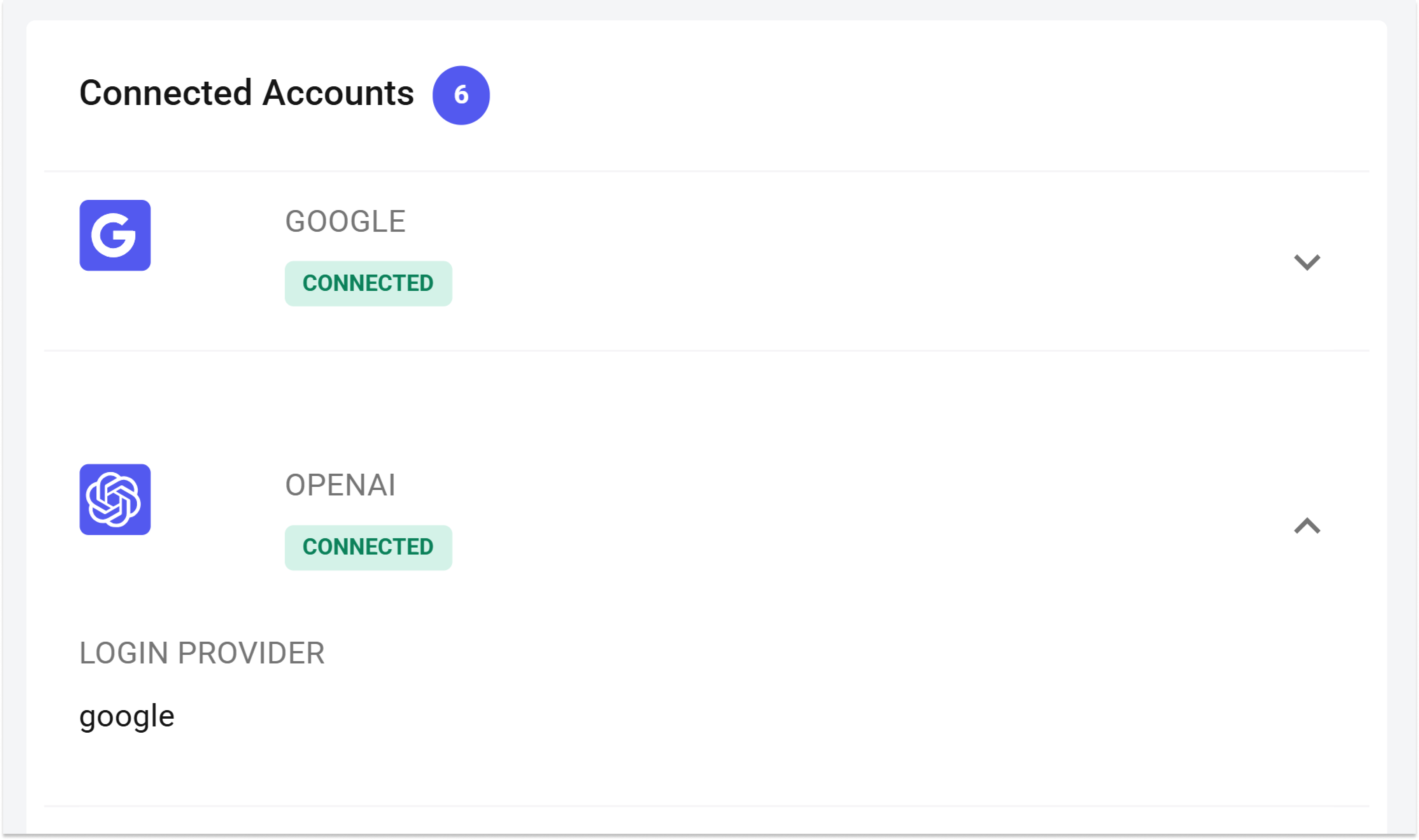
- 🔗 Clearer connected accounts: each linked account now shows its status at a glance, active with extra detail, active, inactive, or not recognized.
- 🔑 Login vs. Enrollment comparison: the Login tab shows the login location side by side with the enrollment location on a map, so you can spot a mismatch at once. A new Enrollment tab lists the account's past enrollments, ranked by similarity to the current login.
- 🌐 Domain online presence: LinkedIn, Trustpilot, Glassdoor and Google Ads results are grouped in their own tab alongside the existing domain and registrar data.
Sign-in & Sign-up
We've completely restyled the sign-in and sign-up experience — from creating an account to the emails you receive along the way.
🔍 Key Features
- ✨ Faster sign-up: creating an account now takes fewer fields and fewer clicks, so you can get started in less time
- 🎨 Redesigned pages: a cleaner, more consistent interface across all sign-in and sign-up screens
- 📧 Clearer account emails: refreshed Welcome, Reset Password, and Temporary Password emails with easier-to-follow instructions
Trustfull Phone: OpenAI Account Detection
A new signal detect whether a phone number is linked to an OpenAI account.
🔍 Key Features
phone_has_openai— returnstrueif the phone number is associated with an OpenAI account- The signal is available in the Phone Lookups and Analytics pages
📊 Example Output
{
  "phone_has_openai": true,
}
Improvement: More Flexible Training Set Uploads
Uploading a training set no longer blocks on invalid rows. If some records can't be matched, you can drop them and upload the rest right away.
🔍 Key Features
- ⚠️ Warnings instead of blocking error: unmatched or duplicate customer IDs are flagged, and you can drop them to upload the rest.
- 🚫 Upload still blocked when: no customer IDs are recognized, or the file lacks at least one confirmed genuine and one confirmed fraud record.
📚 Resources
- Training Sets - Learn how to upload a Training Set
- Trustfull Phone - API Reference
- Support Center - Assistance and answers from the Trustfull support team.